Welcome To
East Washington
Rural Water Corp
East Washington Rural Water Corporation
POOL POLICY: East Washington Water will NOT give any kind of adjustments regarding the filling of pools. (NO EXCEPTIONS)
Due to our water supplier (City of Salem) increasing our rates by 7%, we will be passing on that rate increase to our customers starting with the bill due March 18th.
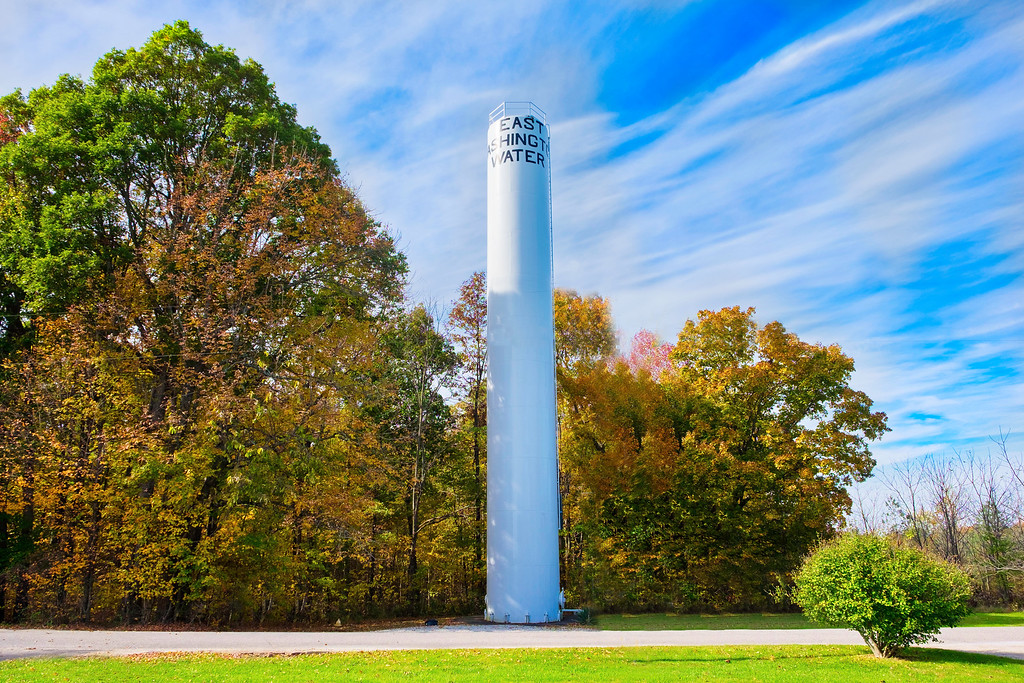
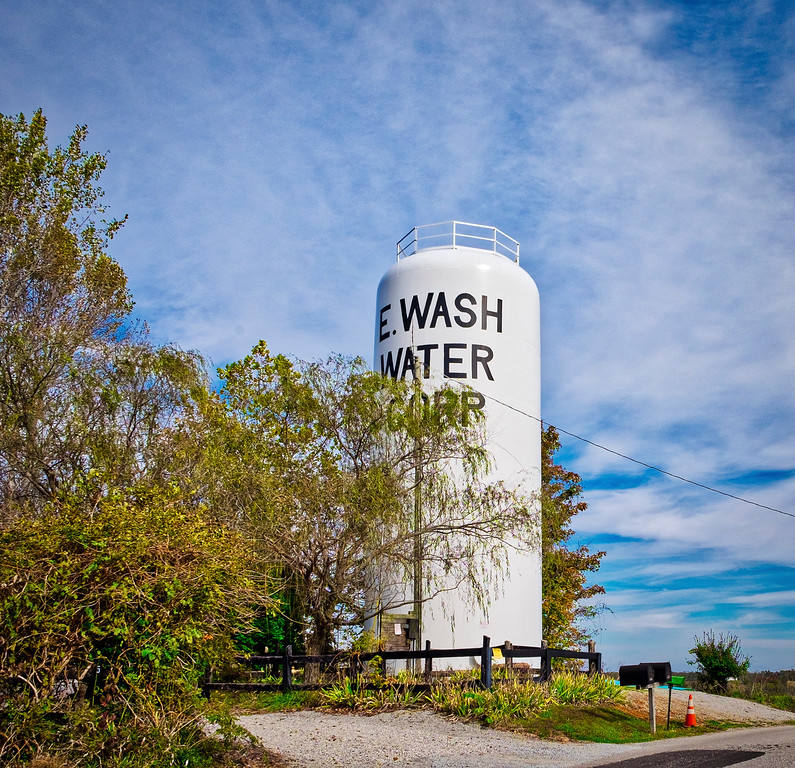
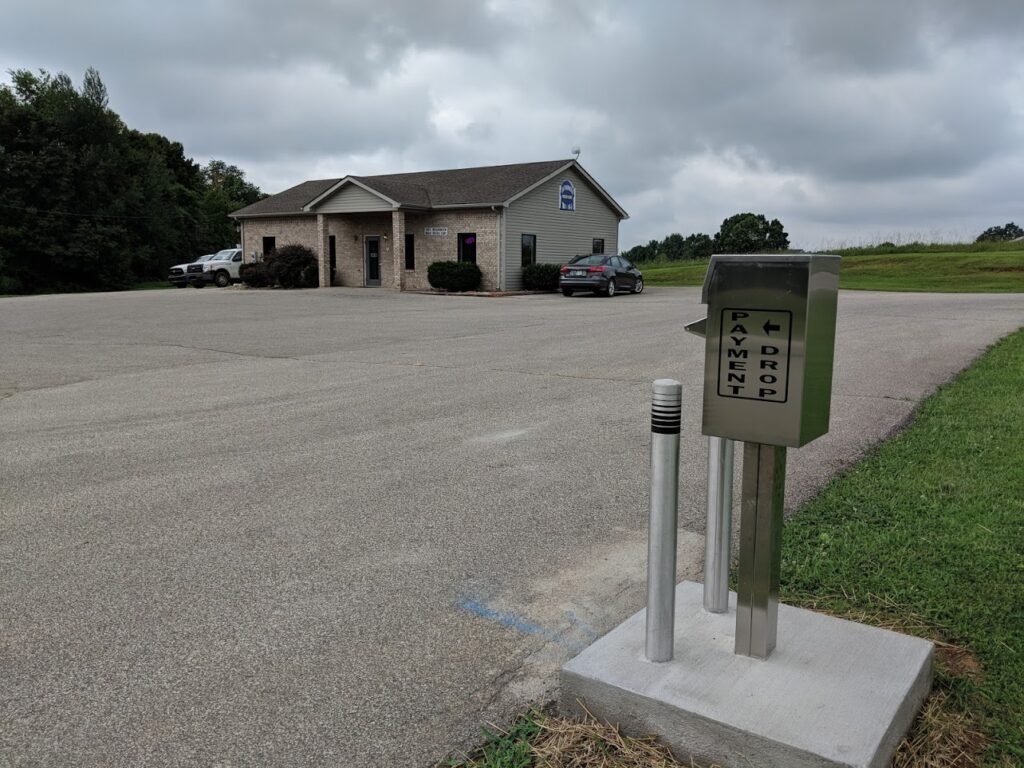
We have a Drive Up Drop Box! As you pull into our parking lot the drop box is to your left along the edge of the pavement. Pull up, drop your payment in the box, make a u-turn to the right to get out of the parking lot, mark paying the water bill off your to do list.
Click the “Pay Online” button above to go to our payment portal where you can make a one-time payment, sign up for autopay, see past usage, and more!
Frequently asked questions
The 2025 CCR Reports will be going out with the May bills.
Do not mow over your meter lid!
Do not use DOXO or Noventis to pay. These are 3rd party processing sites not associated with us. Make sure you are at ewrw.org and doxo or noventis does not appear in the address bar after you click the pay button!
We have free automatic withdrawal from your bank account. To sign up, print the bank draft form off this site, or pick one up at our office. Return it to our office with a voided check to have your bill automatically withdrawn the 12th of each month, or the next business day following a weekend or holiday.
You can view your bill through this site, look at past payments, and past/current usage’s. To do this you will click the ‘pay’ button, then you must create an account (you will need your bill or a delinquent notice). You will need to create a username and password (you must include one of the following symbols in your password: !@#$%^&*) and click register. Then you will be sent an email, you must click the ‘confirm’ button in that email before proceeding. Once you have confirmed your email, and then login, then you will need to link your account. There is a ‘link to’ tab toward the top of the page, click that button. You will then have to enter your account number, and either the reading from your last bill or the amount of your last bill. Once you have created an account and linked it to your billing account you can login and view all your information. This process will only have to be done 1 time to create the account. After you have set it up, you will only need to login with the username and password you created.
Make sure we have a good phone number for you on file in case we need to issue a boil water advisory through our automated alert system.
Email Billing
You now have the option of having your bill emailed. Go to our information tab and follow the link and create a username and password and you can choose to receive your bill by email only.